release v0.12.21
0.12: Leaving, and doing
Closing something sends it back where it came from: the pause wheel folds into its centre, Settings returns into the button that opened it, and the screen brightens behind them. Plus 20 updates, up to 0.12.21.
By Royendgel Silberie
Version 0.12 and every update to it, newest first. The game shows the same notes on its main menu once per version.
0.12.21 · Pioneer 1 makes orbit
2026-10-07
- Pioneer 1, the rocket every new game starts with, now reaches orbit in a Realistic world. Its second stage is smaller, so its engine can push it instead of holding it up, and its third stage carries more propellant. It flies with four boosters.
- Pioneer 1’s fins now stand between its boosters instead of inside them.
- A short orbit-raising burn no longer dives toward its target height: on a high-thrust upper stage that wasted a fifth of the burn.
0.12.20 · No dark squares under a low sun
2026-10-07
- Flying low over a world at sunrise or sunset, the ground under you no longer shows a hard-edged dark square where the long shadows stopped.
0.12.19 · Fixes from a review
2026-10-07
- A payload fairing never comes off together with spent side boosters: it keeps its own stage, after the boosters drop.
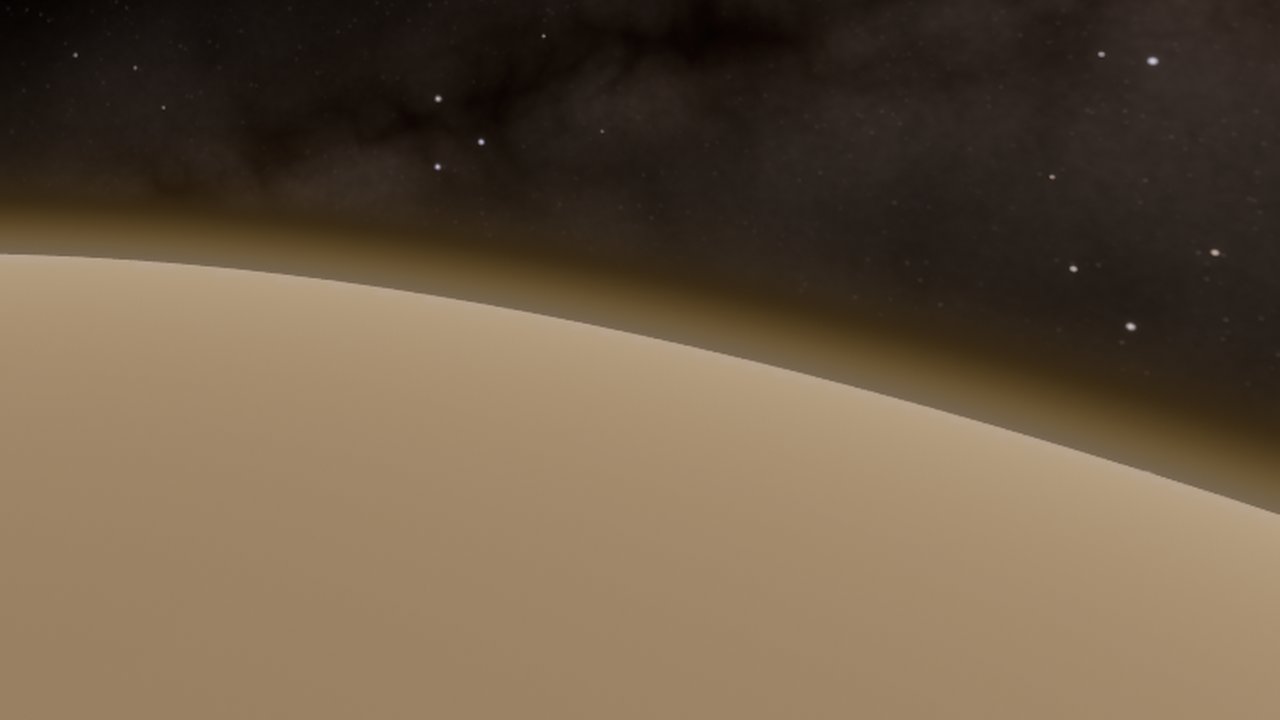
- Flying down under Venus’s clouds, the camera exposes for the ground you can see, not for the bright deck above you.
- A craft saved in flight before 0.12.14 with boosters on side decouplers may need one extra press of the stage key for its next stage.
0.12.18 · Numbers keep their units
2026-10-07
- In the builder’s vehicle panel and stage cards, a number no longer wraps onto a different line from its unit or label (“Mono 285” over “kg” on a phone).
0.12.17 · Tap, not click
2026-10-07
- On a phone, the map’s mission hint, the planner’s landing-site hint and the docking-port line say tap instead of click.
0.12.16 · Venus on the title screen
2026-10-07
- A world whose craft is at Venus shows Venus’s cloud deck on the title screen too, not its radar map.
0.12.15 · Venus under its clouds
2026-10-07
- Venus from orbit, from the map and from other worlds is now the pale, nearly featureless cloud deck it really is, instead of its radar map. Fly down through the deck and the ground appears beneath the haze.
0.12.14 · Boosters let go when they burn out
2026-10-07
- Solid boosters mounted on side decouplers now drop on their own stage, one press after they light, instead of riding as dead weight until the core separates. Go to space drops them as soon as they burn out.
- Rayed craters are spread evenly over every world, with no bare patches.
0.12.13 · A tidier phone builder
2026-10-07
- On a phone, the builder’s Fit craft and Focus buttons are two small icons instead of a large captioned box over your craft.
0.12.12 · Martian haze is Martian
2026-10-07
- Flying low over Mars, the distance haze is the planet’s own dusty butterscotch instead of Earth’s blue, which at a low sun turned the whole ground a pale blue-violet.
0.12.11 · Every world exposed for itself
2026-10-07
- Callisto, Europa, Io, Ganymede, Mercury, Phobos and Deimos are each exposed for their own surface, the way a photograph of them is: Callisto in particular is no longer a near-black disc.
- Mars from orbit is the bright orange it really is, and now matches the ground you land on, which it was a stop and a half darker than.
0.12.10 · Rayed craters done properly
2026-10-07
- The rays round young craters on the Moon, Mercury and the other airless worlds are now bright haloed splashes that sit on the ground and never break off along straight lines, and the smallest craters no longer shimmer as you fly over them.
- Mars shows many more of its craters from orbit.
- A heat tile panel aimed at a part with no hull to wrap is now refused instead of being placed where it protects nothing.
0.12.9 · Rays on airless worlds
2026-10-07
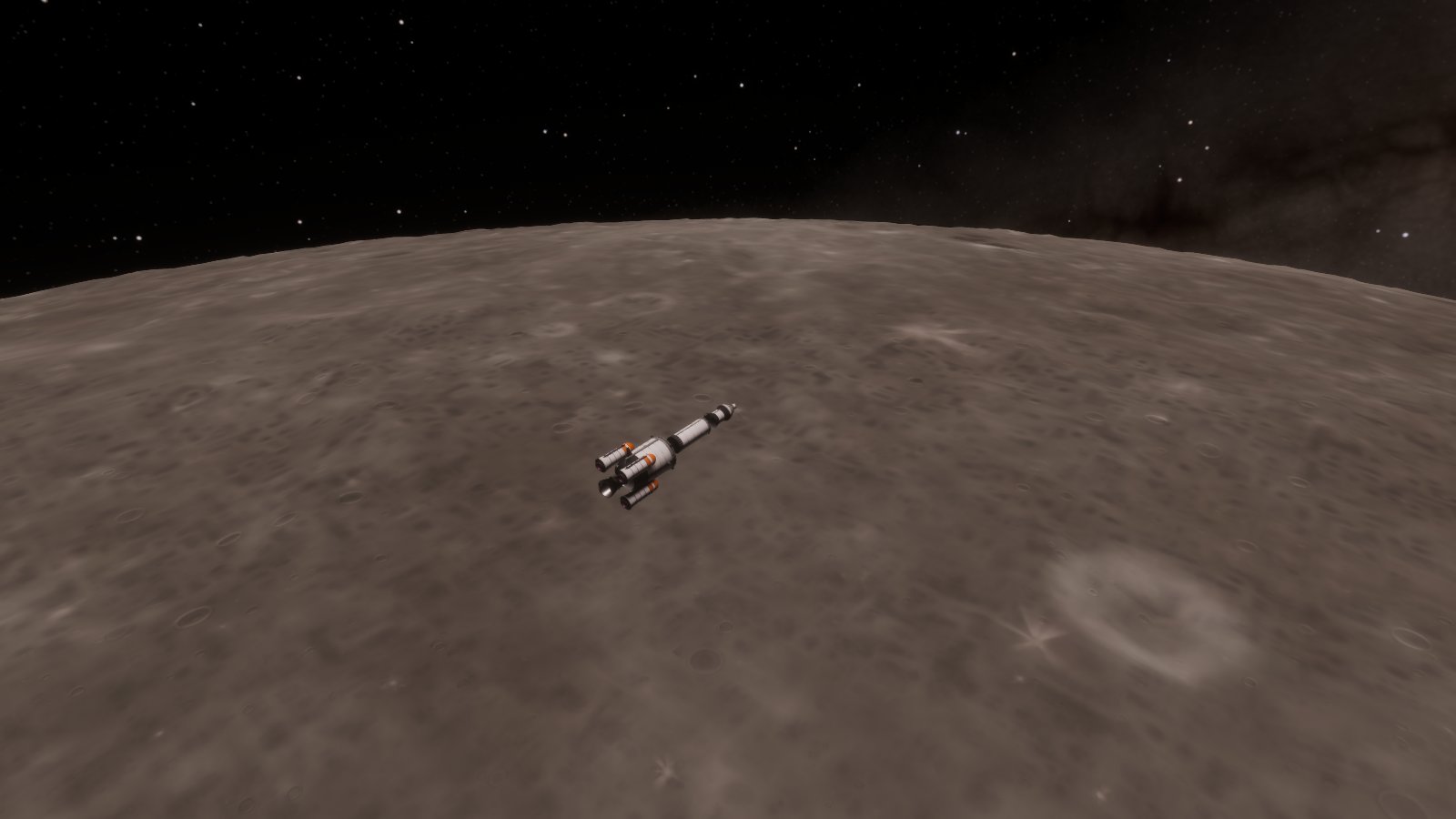
- Under a high sun, the Moon, Mercury and the other airless worlds now show the bright rays of pale material thrown out round young craters, the way they do in real photographs, instead of going blank at noon.
0.12.8 · Pages that turn
2026-10-07
- Switching tabs in Settings turns the page: the new tab slides in from the side you moved toward.
- The Cheats section in Settings, Flight starts open, so you can see what is in it.
- On a phone, the SAS list and the action groups slide in instead of appearing.
0.12.7 · Worlds seen from orbit, and tiles that keep their rings
2026-10-07
- Callisto and the other moons of Jupiter are no longer drawn far too dark: the camera now opens up for the fainter sunlight that far from the Sun (and stops down closer in, at Mercury).
- Mercury is its real brownish grey instead of a blue cast, and cratered worlds look like cratered worlds from orbit: most craters are old and worn, with a few sharp fresh ones, in a wide range of sizes, instead of a field of identical bubbles.
- Callisto and Ganymede show far more of their craters from orbit.
- Heat tile panels weigh and cost what their size is: a panel wrapped round a 9 m tank is much bigger than one on a small tank.
- Heat tiles placed with the mirror on obey the ring rules for every copy, tiles on side boosters and on short parts work properly, and a tile can no longer slip through on top of a full ring by aiming at a thin decoupler.
0.12.6 · Moving between menu screens
2026-10-07
- On the main menu the screen you leave slides away as the next one arrives, instead of vanishing.
- Closing the What’s new card no longer makes the whole title screen arrive again: the card goes, and the screen stays where it is.
0.12.5 · Heat tiles all the way down, and the pad comes with you
2026-10-07
- Heat shield tiles now go on in rings down the whole length of a tank, four panels to a ring, instead of four panels per tank. Each panel snaps to a row and to a quarter-turn, so a ring closes with no gaps, a panel can no longer hang off the end of a tank, and a long tank tiled all over is protected as well as a short one.
- An engine skirt aimed at your engines now goes round them by itself, its top against the plate or tank they hang from.
- Teleporting onto dry land brings the launch complex with you, so your craft lands on a pad instead of toppling over on rough ground.
- F10 no longer hides the start menu, and coming back from a flight with the interface hidden brings it back.
- On Windows, Novera’s icon is the rounded squircle shape instead of a hard-edged square.
- The builder’s dialogs and the shop now slide away when they close instead of vanishing.
0.12.4 · Every message comes in
2026-10-07
- Flight messages, milestone lines and the challenge and research banners drop in from just above their place, and leave the way they came.
- The flight panels that come and go (manoeuvre, mission, approach, landing, target, RCS, docking helper, the autopilot list) slide in from their edge of the screen every time, not only the first.
- The Worlds screen arrives the way the home screen does.
- The tutorial banner, the mission summary and the screen-reader offer leave instead of vanishing.
0.12.2 · A sharper name
2026-10-07
- The Novera title on the main menu is crisp again: its letters have clean edges and the glow round them is a thin rim instead of a haze.
0.12.1 · F1 closes what F1 opened
2026-10-07
- F1 closes the controls reference again: it opened it, and then every key was ignored until you clicked Close.
- The controls reference, mission log, contracts, crew, research, challenges, launch picker and tutorial card now leave the way they came in, instead of vanishing.
- Planting a flag and starting a tutorial press their card into the game; Cancel and Skip send it back.
0.12.0 · Leaving, and doing
2026-10-06
- Closing something sends it back where it came from: the pause wheel folds into its centre, Settings returns into the button that opened it, and the screen brightens behind them.
- Doing something is not the same as backing out: confirming a relaunch or leaving for the builder presses the dialog into the game instead of sending it back.
- A craft you delete, recover or scrap slides out of the Vehicles list, and the ones under it move up into its place.